Hotel Tales Gallery & Hotel Stories
How to check unlocks, previews, and Hotel Stories voice-over after the August patches.
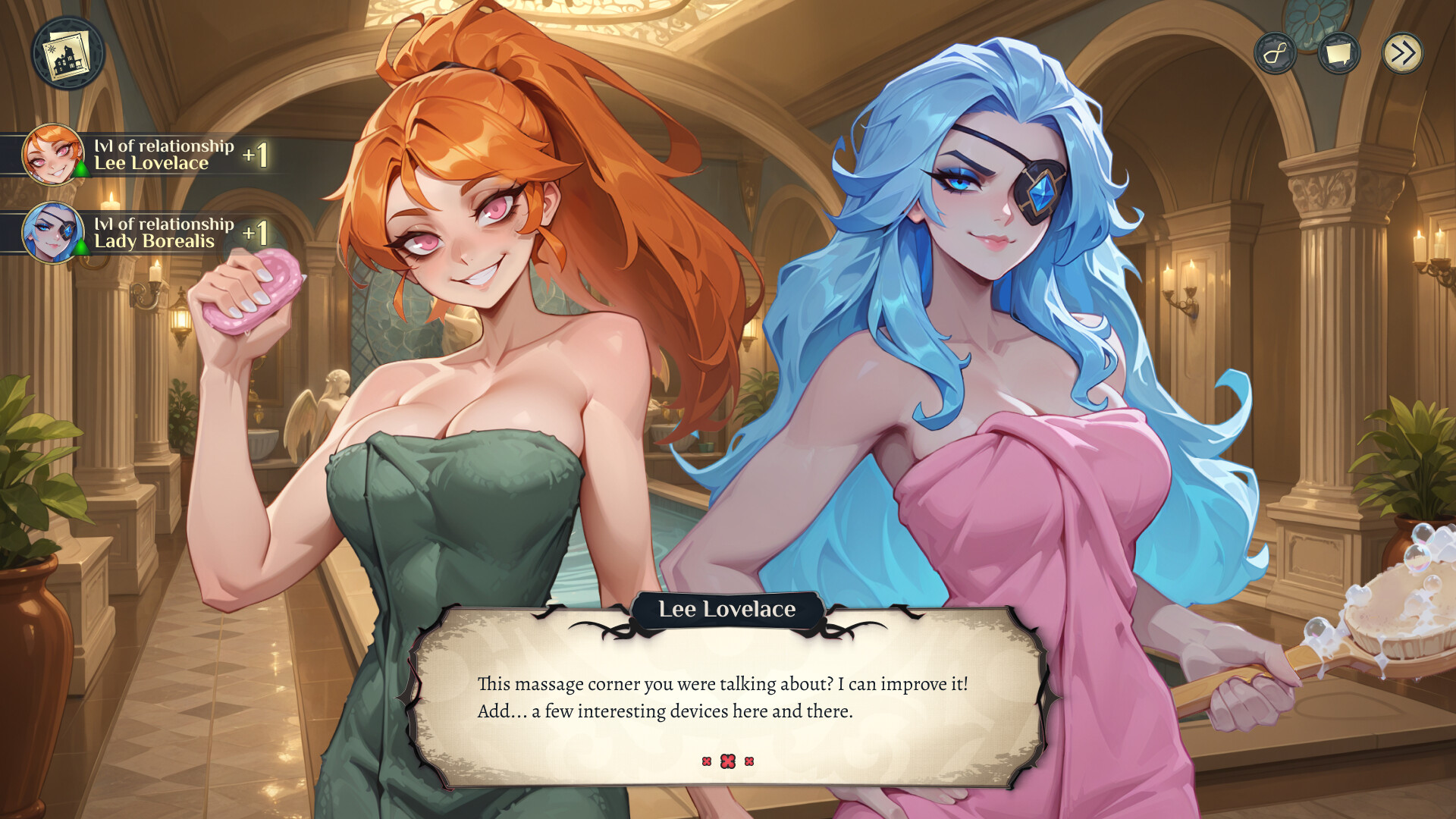
After the July 31, 2026 launch, Hotel Tales exposes a growing Gallery of cards, scene previews, and Hotel Stories entries as you clear shifts, mini-games, and route beats. Changelog v1.0.2 restored missing Gallery notifications; Changelog v1.0.7 added voice-over to Hotel Stories, fixed wrong backgrounds after loading a save, added missing mini-games to the Gallery, and refreshed many card previews. This guide explains how to use those systems without spoiling every unlock, and how to re-check progress after updating.
What Gallery is for
Think of Gallery as the hotel scrapbook:
- Scene / route cards tied to evenings, guest arcs, and department milestones
- Mini-game entries that should appear once you clear or discover those activities
- Preview art that helps you spot missing content before a New Game+
It sits beside Cards & Outfits and Wardrobe & Skins. Cosmetics from the Animations Pack or Skins Pack may expand presentation, but base Gallery progress still comes from playing the probation story.
Hotel Stories after Patch 1.0.7
Hotel Stories collects narrative cards you can revisit. In v1.0.7, TopHouse:
- Added voice-over so many stories now play with audio
- Fixed incorrect backgrounds after loading a save mid-story reading
- Improved Gallery previews so the scrapbook matches what you unlocked
If a story looked silent or used the wrong backdrop before August 8, update Steam, reopen Hotel Stories from a stable save, and listen again. Pair audio language settings from Patch 1.0.2 and Controls if you want VO separate from UI text.
Re-check checklist after updating
- Install v1.2.1 (or newer) so Gallery, Hotel Stories, the results screen, side-dialogue cards, Easy/Normal/Hard, and the end-of-route unlock window apply.
- Launch online once.
- Open Gallery and scan for newly listed mini-games and refreshed previews.
- After you finish a route, watch for the v1.1.4 window to unlock the entire Gallery — a completionist shortcut if exploration left holes. Details also live on Map Conversations.
- Open Hotel Stories and confirm VO + backgrounds after a quit-and-reload.
- If notifications still fail, confirm Patch 1.0.2 is in your build history — that patch specifically restored new-content Gallery pings.
- Track missing cards against route plans in Romance Routes, Mini-Games, and Night Events.
How Gallery ties to achievements and endings
Steam currently lists 52 achievements. Several completionist badges likely overlap with Gallery density (mini-game mastery, route scenes, mystery beats). Use Achievements for system groups and Endings for finale planning — Gallery is confirmation, not a substitute for multi-save route work. Patch 1.0.3 remains mandatory if choice flags were not saving; broken flags can leave Gallery holes that look like missing content.
Practical tips for collectors
- Keep a manual save before major evenings so you can branch without losing Gallery-adjacent scenes.
- Clear department mini-games at high tiers when you care about Gallery completeness (Mini-Games).
- Do not assume Deluxe cosmetics auto-fill story cards — they do not replace route play.
- After Day 5 guest arrivals, re-open Gallery; v1.0.7 also added Jotun arrival animation polish and sound on guest arrivals.
Related pages
- Unlock Gallery — end-of-route unlock window and “unlock everything” search intent
- Results Screen — v1.2.1 end-run summary before you overwrite a clear-file
- Patch 1.0.7 — VO, Gallery mini-games, preview updates
- Patch 1.0.2 — Gallery notification fix
- Cards & Outfits — guest cards and outfit packs
- Achievements — 52 Steam unlocks
- Post-Launch Checklist — first-week tracking
Gallery and Hotel Stories turn finished shifts into a browsable hotel archive — update first, then hunt the missing cards with spare save slots.
Frequently Asked Questions
Quick answers to the most common questions.
What did Patch 1.0.7 change for Gallery?
It added missing mini-games to the Gallery, updated many card previews, and fixed Hotel Stories voice-over and backgrounds after loading a save.
Why am I missing Gallery notifications?
Install Patch 1.0.2 or newer — that build restored notifications about new Gallery content. Then update through 1.0.7 for the broader Gallery pass.
Does Hotel Stories need the Animations Pack?
No. Hotel Stories and Gallery progress from the base game. Animations Pack adds extra animated scene content as separate DLC.
Can wrong endings leave Gallery gaps?
Yes. If choice flags failed to save before Patch 1.0.3, you may have missed scenes. Fix saves, then replay contested branches.
Where should collectors start?
Update to 1.1.4, open Gallery and Hotel Stories, use the end-of-route unlock window if holes remain, then cross-check Mini-Games, Romance Routes, and Achievements.